
Python爬虫代码基本框架
Python爬虫代码基本框架
框架如下:
1 | def getHTMLtext(url): |
尝试爬取当当网商品搜索结果页面
刚刚学完爬虫的基本知识,也基本会用request、bs4和re这三个库了,于是尝试爬取当当网商品搜索页面,这是本人第一次爬虫。
这次的爬取目标是获取搜索页面的所有商品价格和名称,所以我们对爬下来的HTML文本做了些许分析。
搜索关键词假设是“六年级”,那么与第一个商品有关的HTML便如下(用了YAML代码块来表示,请见谅)。可以发现,与第一个商品有关的名称位于名称为p、属性为name的标签下,而价格则位于名称为p、属性为price的标签下。值得注意的是,这两个标签之间还隔着一个名称为p、属性为detail的标签,而且这三个标签一并构成了平行标签
为了解析html更方便,在找到名称为p、属性为name的标签之后,直接用next_sibling访问下一个平行标签。用正则表达式匹配商品价格和名称之后,存入键值对之中,并打印到txt文件里。
1 | <p class="name" name="title"> |
全代码如下(这里只能爬取搜索结果第一页):
1 | import requests |
输出结果如下:
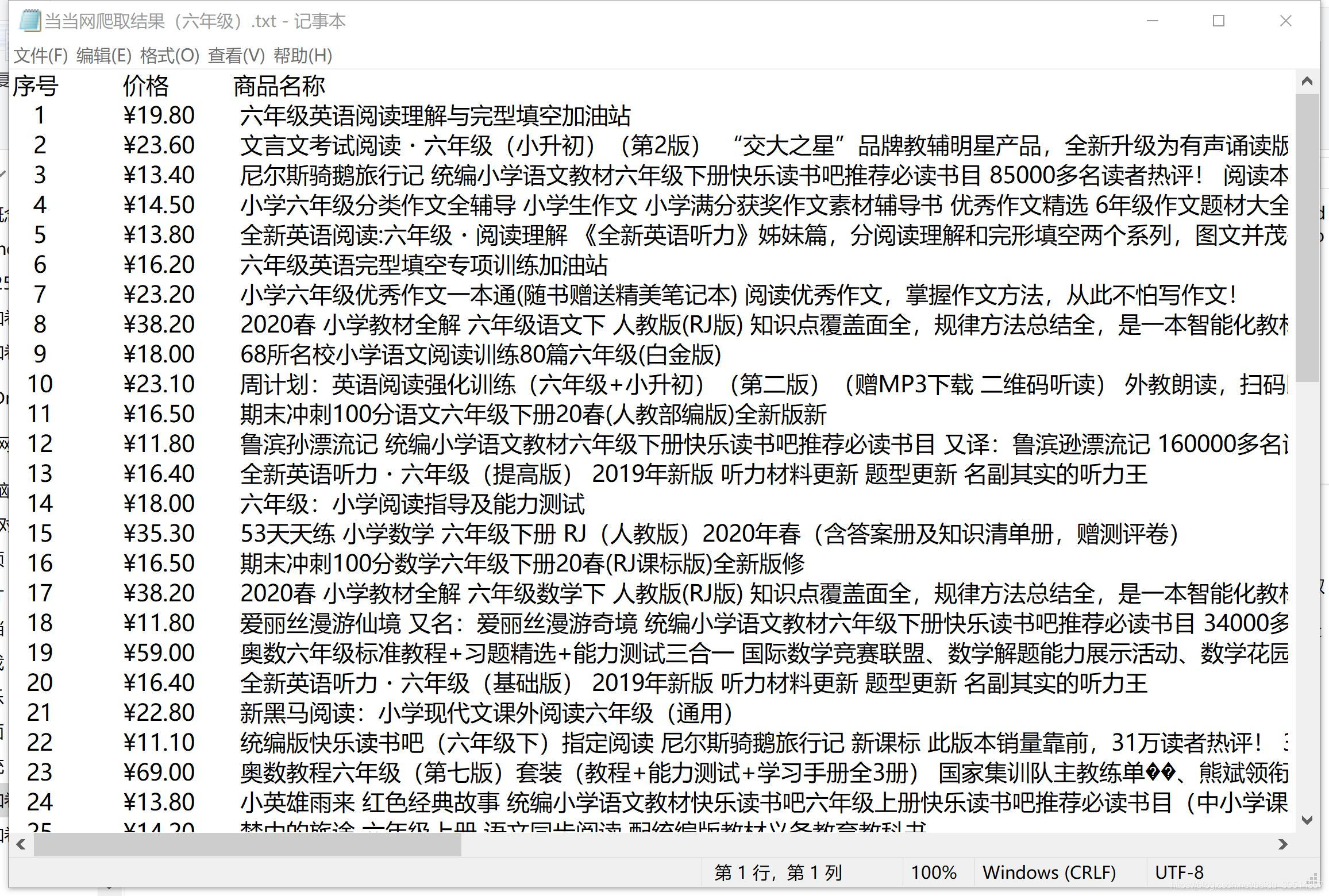
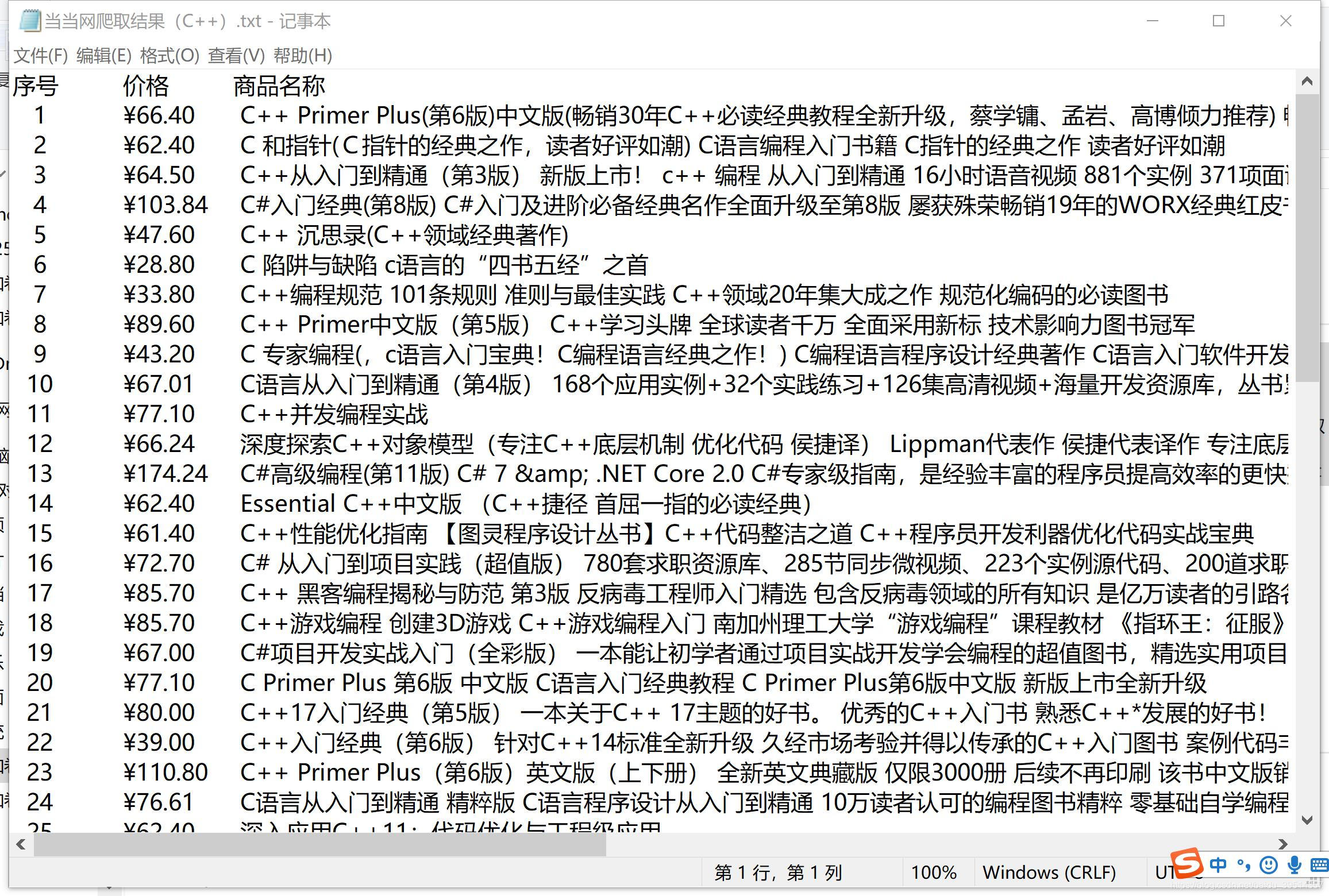
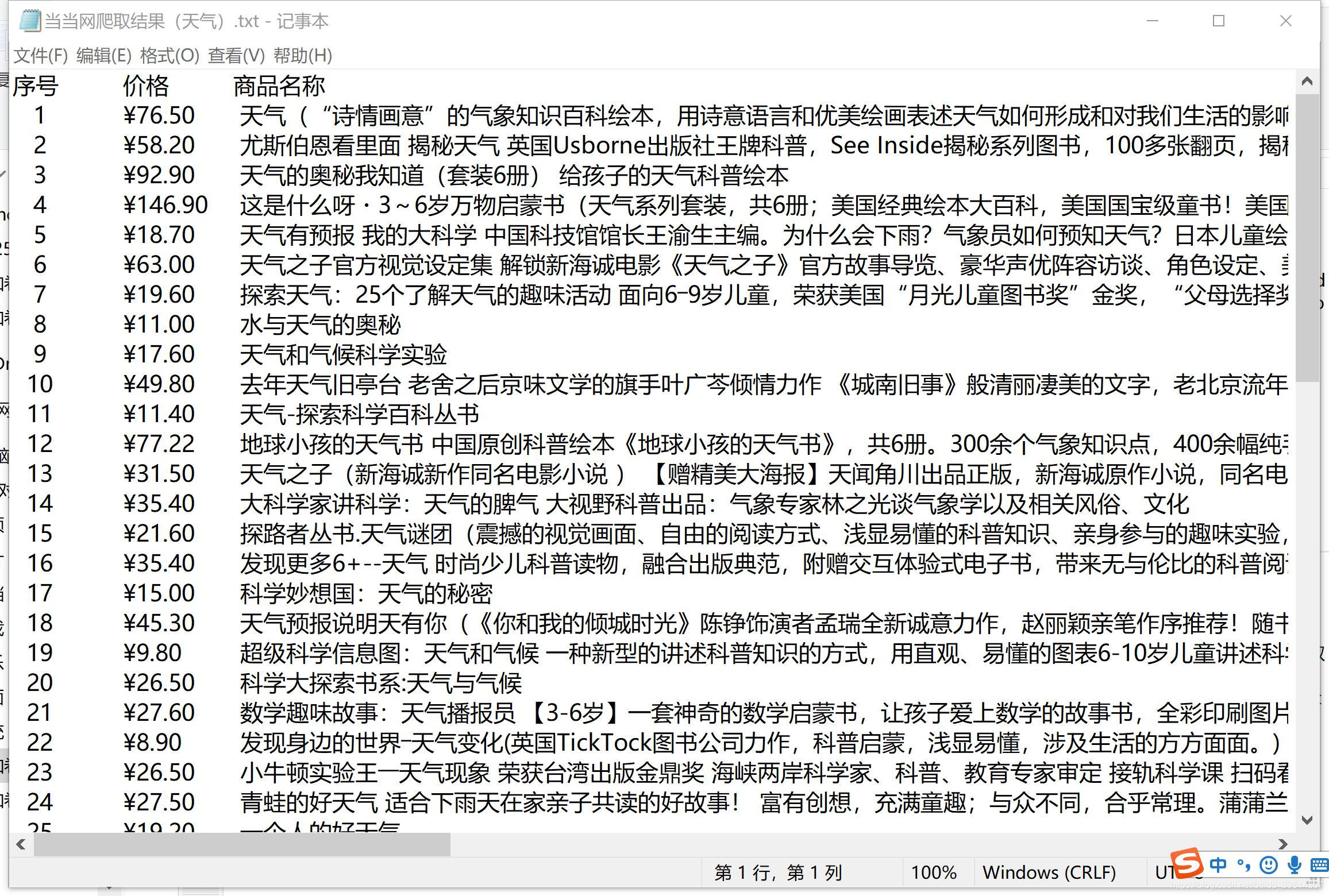
第一次做爬虫,而且也是刚刚上手python,可能还有许多待优化的地方。
完(๑′ᴗ‵๑)
本博客所有文章除特别声明外,均采用 CC BY-NC-SA 4.0 许可协议。转载请注明来源 Mount256的博客!
相关推荐

2022-05-30
网络爬虫之json库
1 如何在网页中获取 JSON 数据? 打开一个具有动态渲染的网页,按 F12 打开浏览器开发工具,点击“网络”,再刷新一下网页,观察是否有新的数据包。 发现有 js 后缀的文件,这就是我们想要的 json 数据了。 2 Python 内置的 JSON 库 内置的 json 库的函数: dumps:用于将 Python 的数据类型转化为 json 字符串。 loads:将 json 字符串转化为 Python 的数据类型。 实例 1: 123456import jsondata = [ { 'a' : 1, 'b' : 2, 'c' : 3, 'd' : 4, 'e' : 5 } ]data2 = json.dumps(data)print(data2) 输出结果: 1[{"a": 1, "c": 3, "b": 2, "e": 5, "d"...

2022-05-28
网络爬虫之xpath
在re、bs4、xpath等解析库中,re库运行起来效率最高,但用起来太麻烦;XPath 使用较为方便,而且效率损失不大。 0 安装 XPath Helper 插件 在 edge 浏览器的“扩展”中,开启“开发者模式”和“允许来自其他应用商店的扩展”,将文件夹《chrome_Xpath_v2.0.2》拖入到“扩展”页面中即可完成安装。 本人设置键盘快捷方式为“Ctrl+Shift+C”,这样每次想用时就可以快速打开这玩意了,再按下“F12”查看代码,就可以开玩 XPath 了。这个插件是真的好用,强烈推荐安装。 1 XPath 语法 1.1 节点 表达式 描述 用法举例 用法举例说明 nodename 选取此节点下的所有节点 div 选取div下的所有标签 // 全局节点(可粗略理解为“绝对路径”) //div 选取整个HTML页面的所有div标签 //nodename// 选取某个节点下的所有节点(包括子节点、子节点的子节点…) //header//div 选取header标签下的所有div标签,不管是不是header标签的第一级节点 / 选取某个节...

2020-05-11
Python爬取天气实况
一、最初的想法 我们昨天弄了个爬取天气实况的程序,本文章用以记录思考和编写过程。 这里选取的爬取网站是http://q-weather.info/weather/59488//realtime/ 下图就是查天气网站截图。 (站号修改成其他气象站号就可以查询其他城市的实况) 我们以59488珠海站为例,爬取的HTML源代码如下: 1<!DOCTYPE html PUBLIC "-//W3C//DTD XHTML 1.1//EN" "http://www.w3.org/TR/xhtml11/DTD/xhtml11.dtd">\n<html xmlns="http://www.w3.org/1999/xhtml" xml:lang="zh-CN">\n<head>\n\t<meta http-equiv="Content-Type" content="text/html;charset=UTF-8" />\n\t<...